


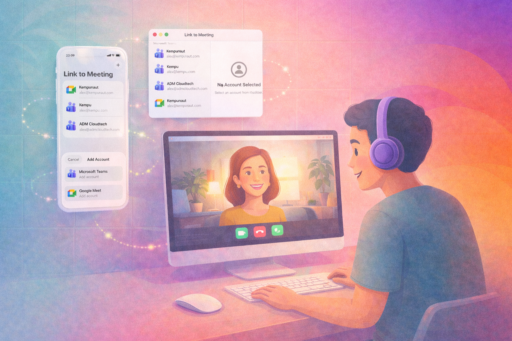
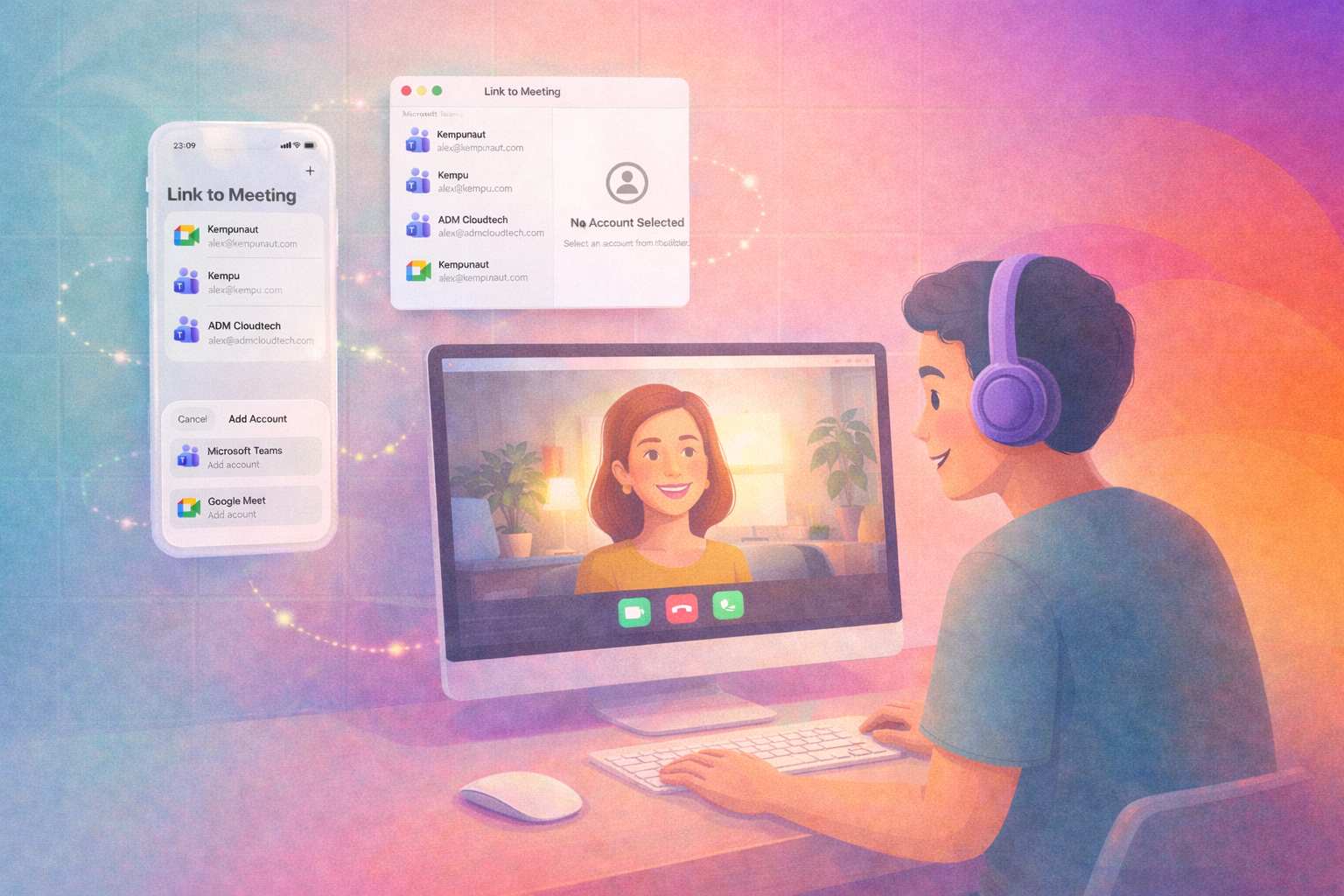
Every time I schedule a meeting, I had to open Teams or Meet separately, create a link, copy it, switch back to Calendar, and paste it. It is a stupid amount of steps for something I do a dozen times a day.
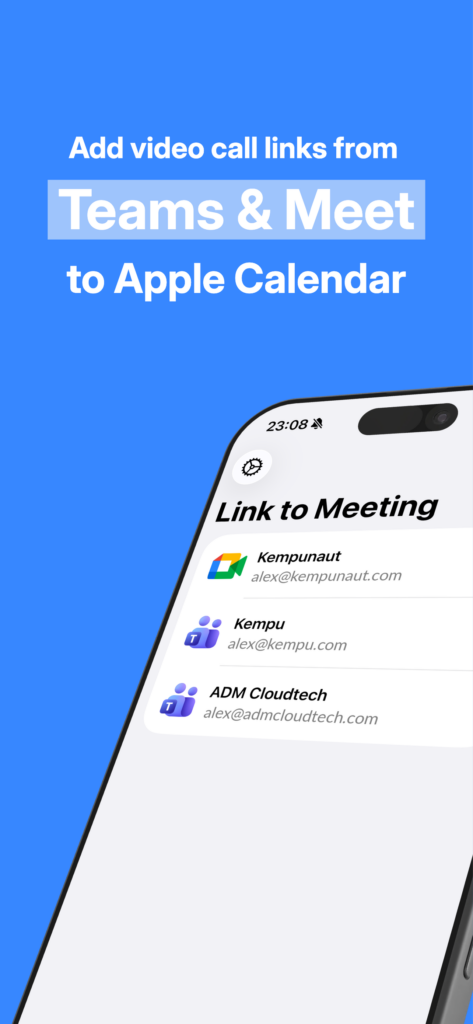
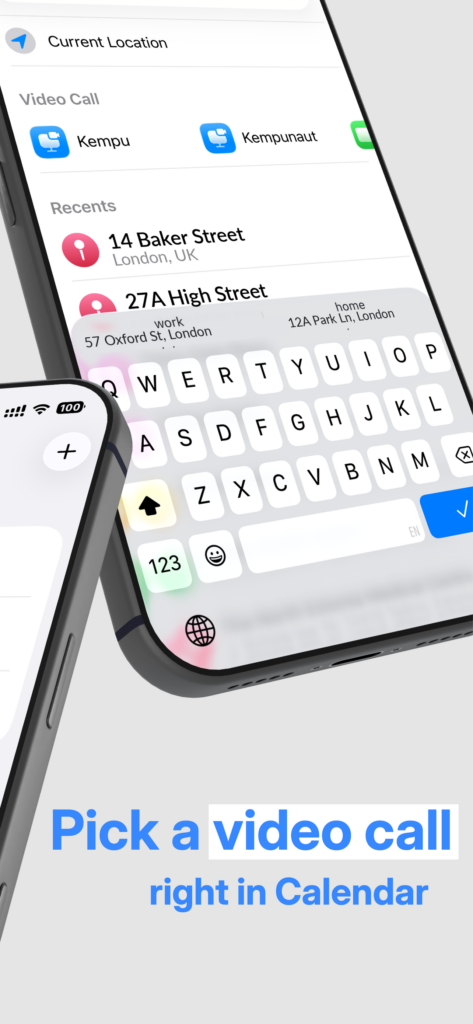
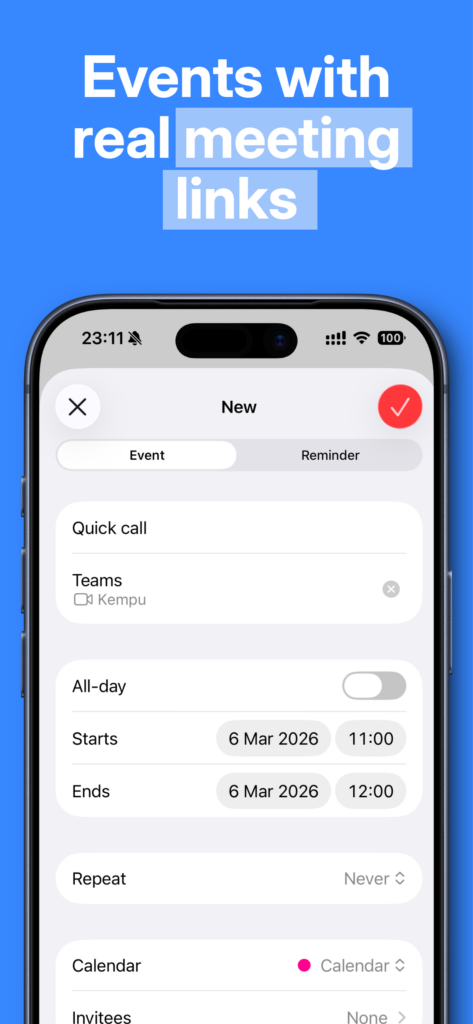
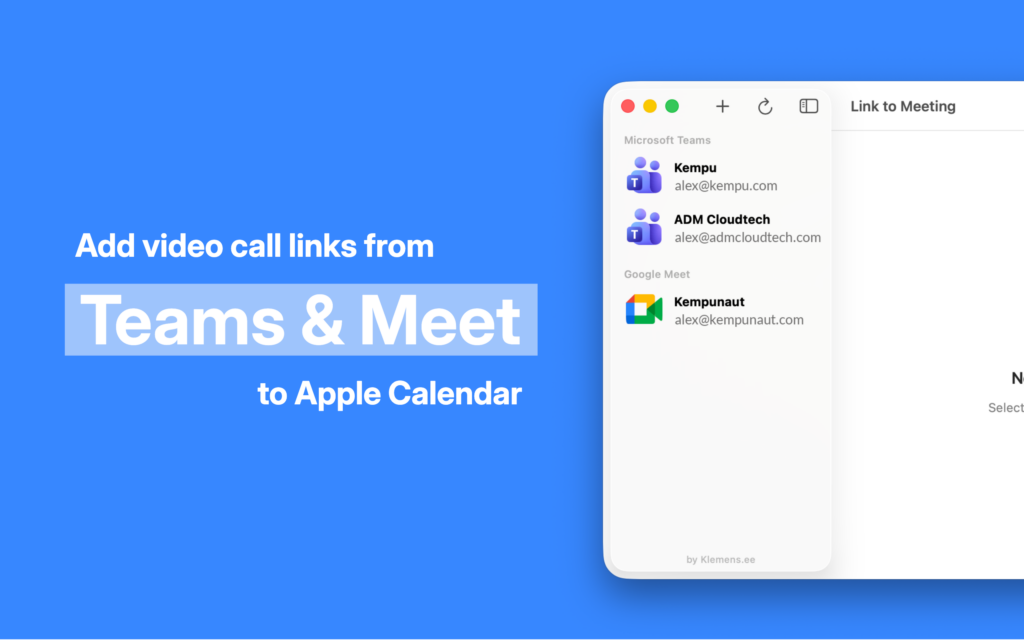
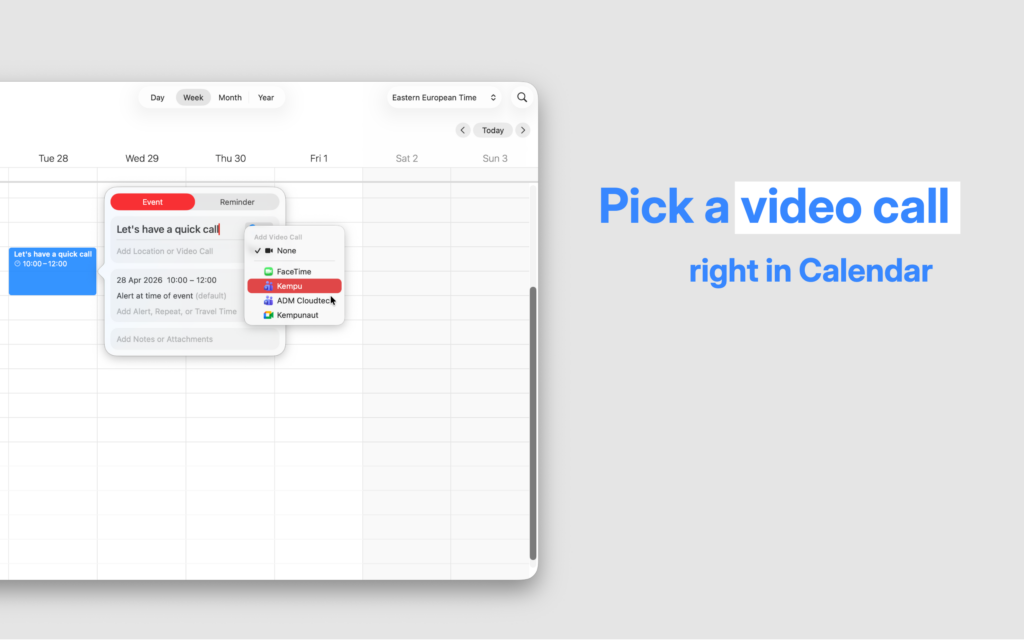
Link to Meeting fixes that. It adds Microsoft Teams and Google Meet as native conferencing options directly inside the Calendar app on iPhone, iPad, and Mac. One tap — done. A real meeting link is generated and attached to the event automatically.
What It Does
- Native Calendar Integration: Teams and Meet appear in Calendar’s built-in “Add Video Conferencing” menu. No copy-pasting, no switching apps.
- Real Meeting Links: Tapping the option calls the Microsoft or Google API and generates an actual meeting link — not a generic placeholder.
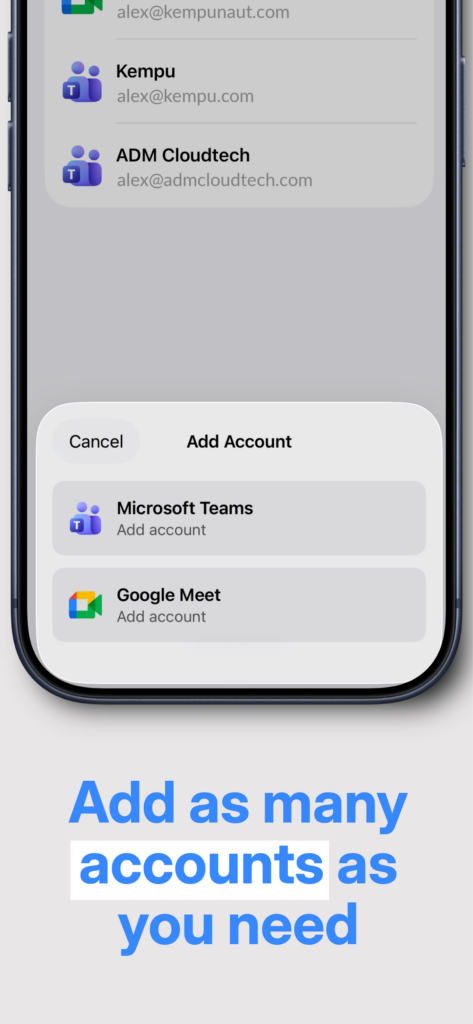
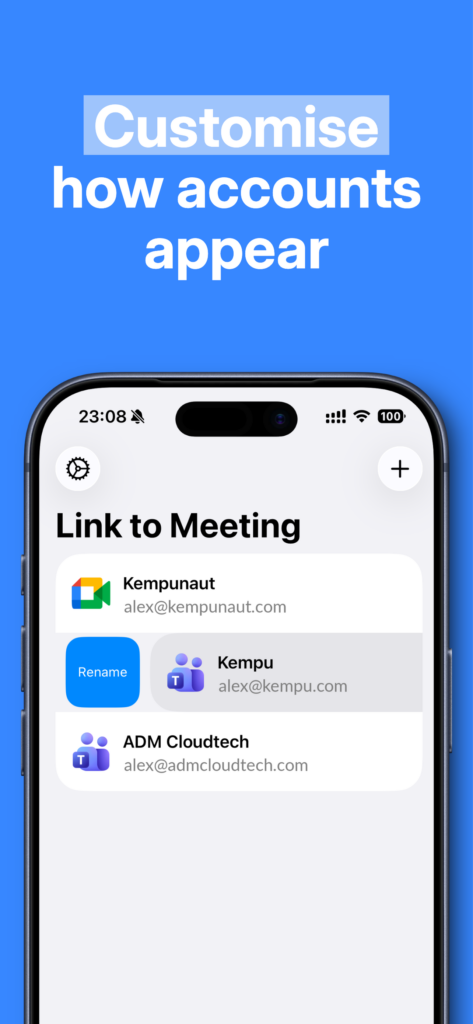
- Multiple Accounts: Sign in with multiple Microsoft and Google accounts and choose which one to use per event.
- iPhone, iPad, and Mac: One purchase, works everywhere via Family Sharing.
- No Backend: Your tokens stay on your device, encrypted in Keychain. Nothing passes through our servers because we don’t have any.
Available On
- iPhone, iPad, and Mac — Coming soon to the App Store
Privacy Policy: Read our Privacy Policy. Your data stays on your device.