




On the web now at app.fluxpost.eu · iPhone and iPad app in TestFlight beta
I got tired of opening five different apps just to share a thought. Copy the text, switch apps, paste, post. Repeat. It’s 2026 and we’re still doing this manually?
So I built Flux.
It’s a cross-posting app for iPhone, iPad and the web that lets you write once and publish to all your social accounts simultaneously. Connect your accounts, compose your post, pick where it goes, and hit send. Done.
Supported platforms
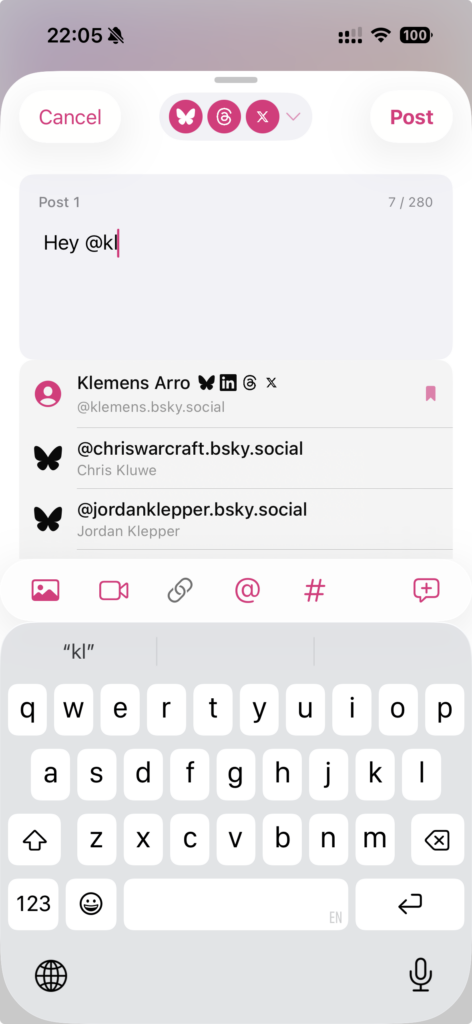
- Bluesky – full support including threads and user autocomplete
- Threads – text, images, and video posts
- X (Twitter) – posts with media and threads
- LinkedIn – personal profiles with mention support
- LinkedIn Pages – company and organization pages
- Facebook Pages – for your business or creator page
- Mastodon – any instance, with threads and media support
- Webhooks – custom integrations for your own services
Features
Compose & Post
- Write once, post everywhere: Compose a single post and publish to multiple networks simultaneously.
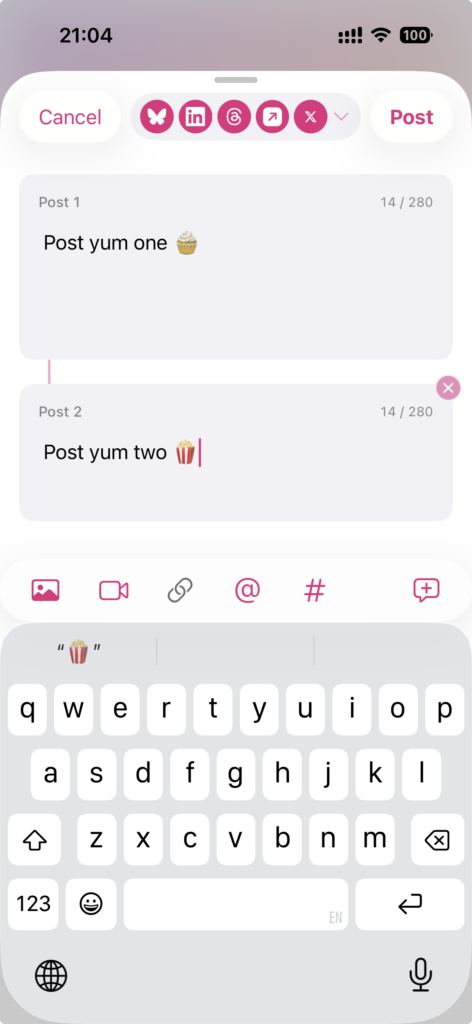
- Threads: Compose multi-part threads. X, Bluesky, Threads and Mastodon get a chained thread with optional 1/4-style numbering; LinkedIn and Facebook get the parts joined into one post.
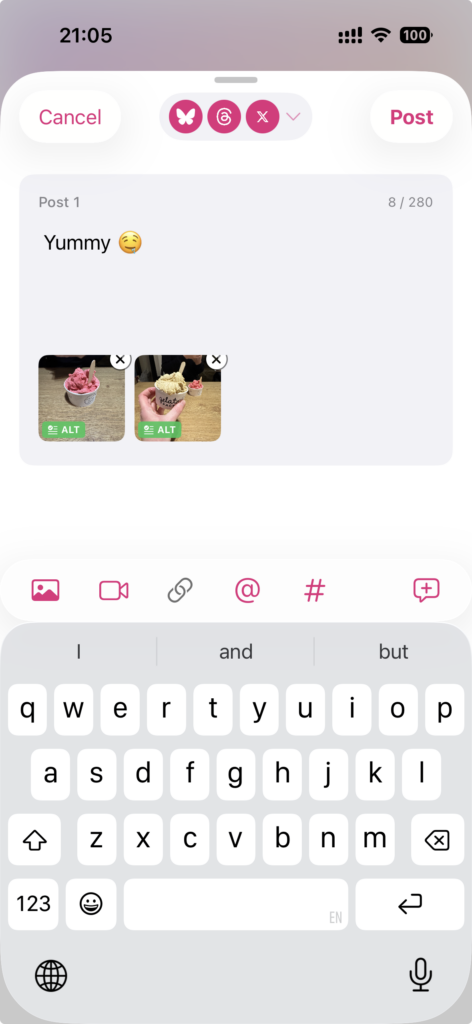
- Real-time character counts: See limits for each platform as you type.
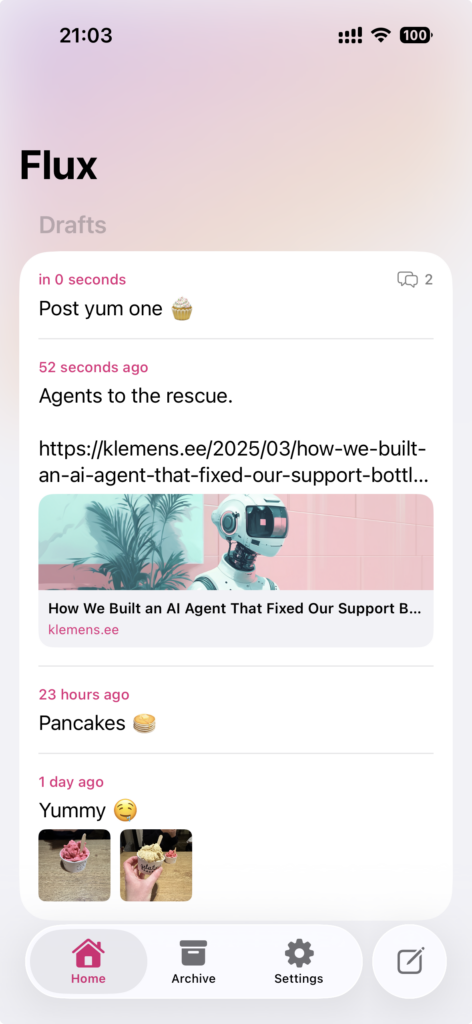
- Link previews: See how your links will appear before posting.
Media
- Photos and videos: Attach images and videos with per-network format handling.
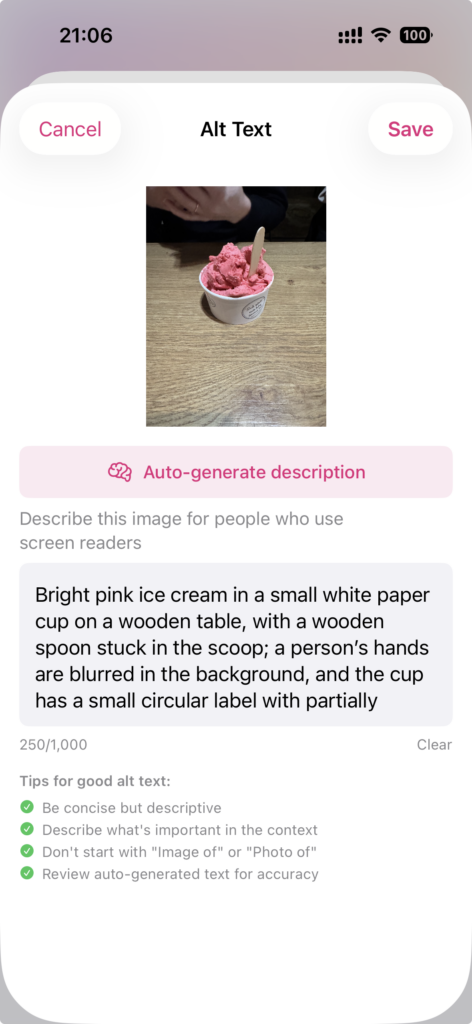
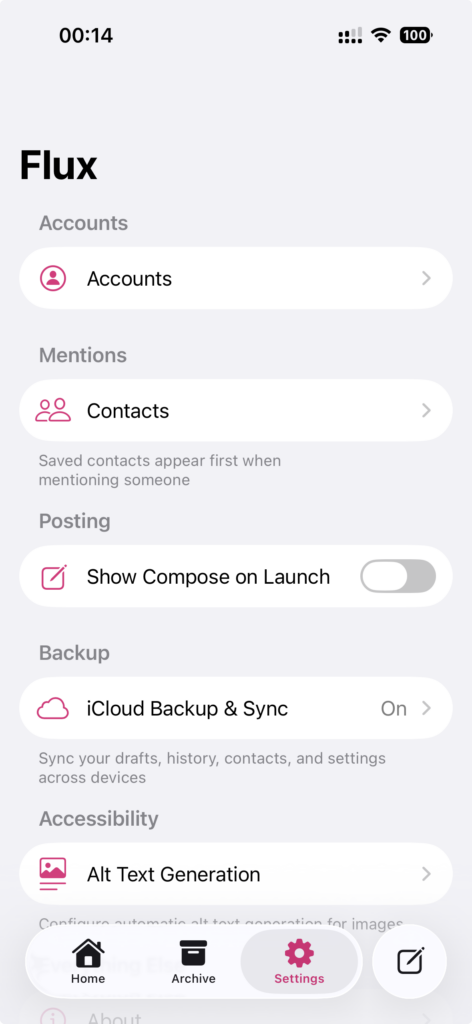
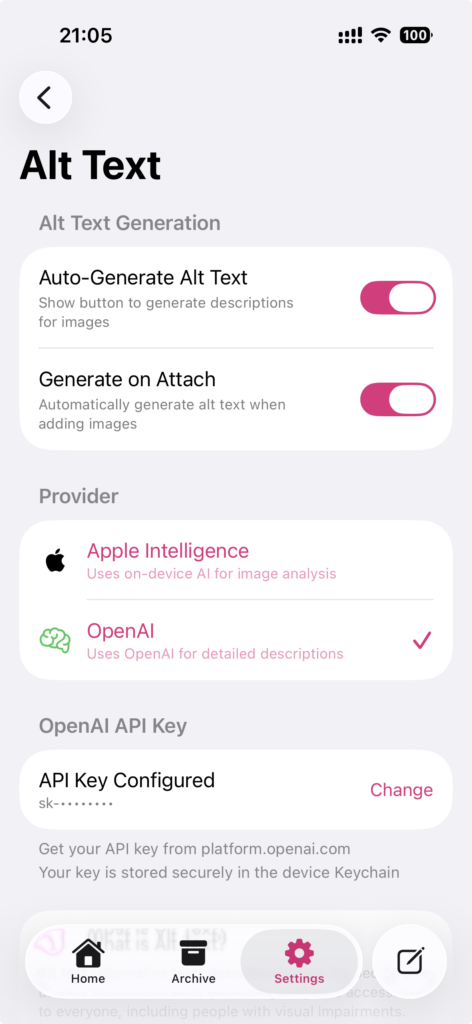
- AI-generated alt text: Generate accessibility descriptions with Apple Intelligence on your iPhone or iPad, or with Smart Descriptions on a paid plan.
- Auto-generate option: Optionally generate alt text automatically when attaching media.
Mentions & Contacts
- User autocomplete: Search and mention users with @mentions.
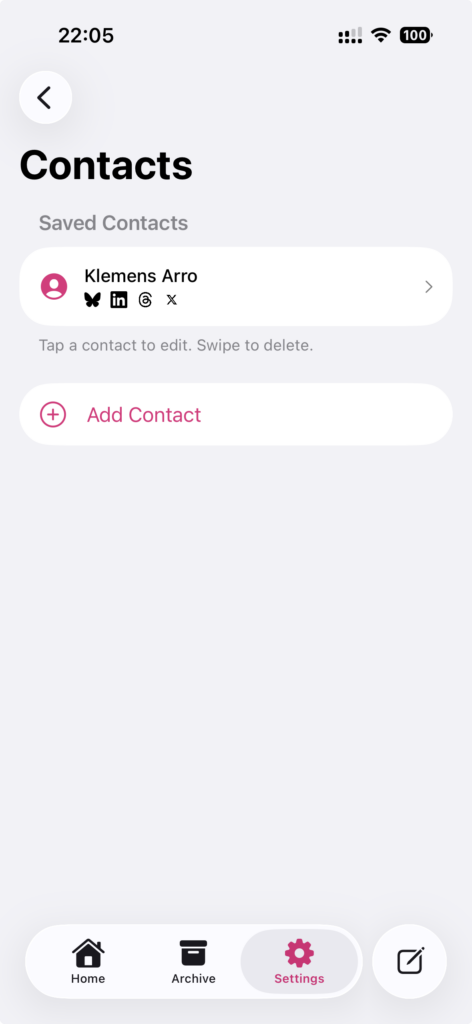
- Contact library: Save frequently mentioned users with their handles across different networks.
- Cross-network mapping: Same person, different handles per platform – Flux keeps track.
AI Writing
- Proofread: Fix grammar, spelling, and punctuation.
- Improve clarity: Enhance readability.
- Adjust tone: Rewrite to match a described tone.
- Complete rewrite: Get a fresh take on your post.
- No API keys needed: Writing tools run through the Flux servers on a paid plan.
Drafts & History
- Drafts: Save posts for later with auto-save as you compose.
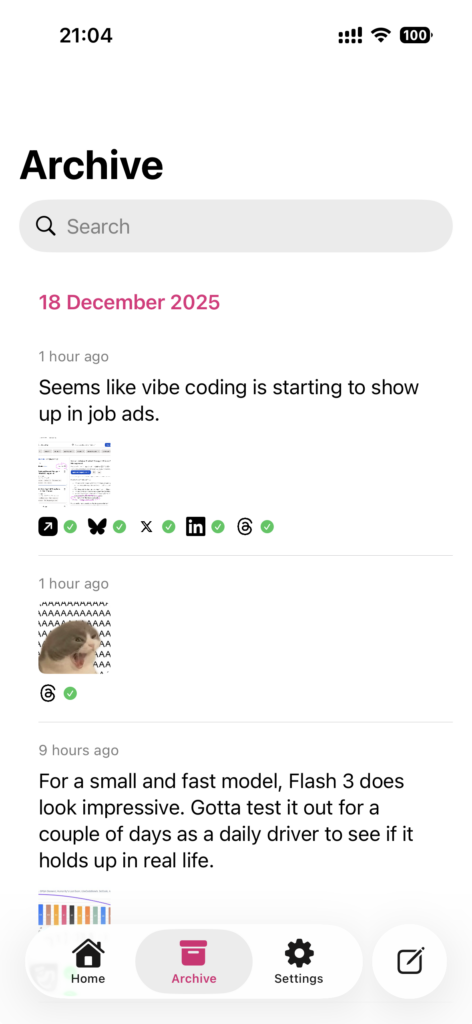
- Archive: Full history of all posted content with links to each platform.
- Thread results: See individual post status for threaded content.
- Media archive: Copy or save media from past posts.
Multi-Account & Profiles
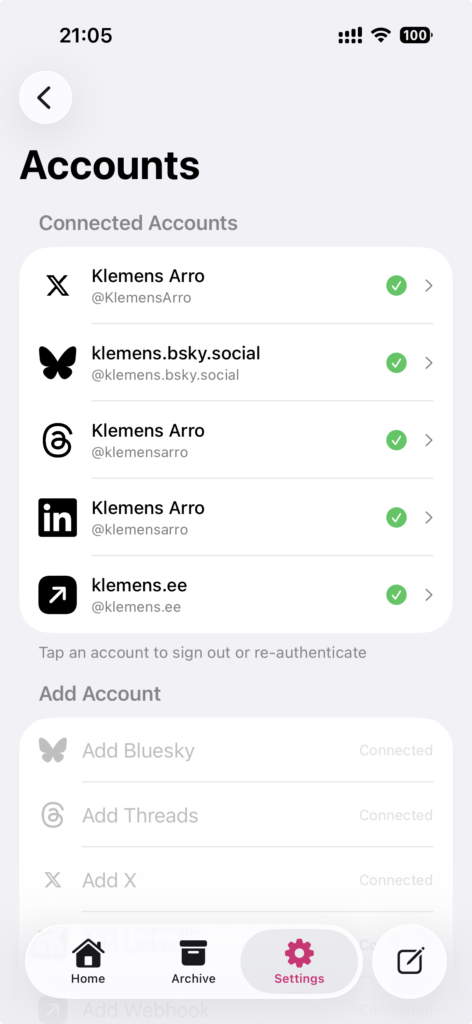
- Multiple accounts: Add several accounts per network.
- Profiles: Create separate profiles with their own accounts, drafts, archive, and contacts.
- Quick switching: Switch between profiles instantly.
- Account status: Monitor connection status and get reauth prompts when needed.
Background & Progress
- Background uploads: Posts continue uploading even if you leave the app.
- Live Activity: Track posting progress on Dynamic Island and lock screen.
- Retry failed posts: Retry just the networks that failed, from the Archive, without posting twice.
Your Flux account
- Phone and web in step: Your connected networks, drafts, archive and contacts live in your Flux account, so they’re the same on iPhone, iPad and the web.
- Connect once: Connect a network once and post to it from anywhere you’re signed in.
Customization
- App icons: Choose from multiple icon options.
- Haptic feedback: Full, reduced, or off.
- Quick actions: Home screen shortcuts for fast posting.
Screenshots
Privacy
Flux now runs on its own servers in the EU, because that’s what lets the app and the web share your networks, drafts and archive. Your network tokens are encrypted and never sent to your devices, card details stay with Stripe, and there are no ads, trackers or data sales. I built this for myself first, which means I actually care about not being creepy with your information.
Read the full Privacy Policy for exactly what is stored, who processes it and for how long.
Availability
Flux is open on the web at app.fluxpost.eu: create a free account and start posting. The iPhone and iPad app is in beta on TestFlight ahead of its App Store release and needs iOS 18 or later. More at fluxpost.eu.
Want to know when the app launches? Keep an eye on my Bluesky or Threads for updates.